🗄️ For everyone with too many drives

Every file. Every drive.
Even unplugged.

Platter catalogs all your external drives so you can search any file offline — even when the drive is sitting in a drawer. Map your storage as a living graph, and let AI organize the chaos for you.
🍎 Native macOS app 🔒 Works fully offline ⚡ 2-day free trial, then €9.99 once

🔇 Plays muted — see the full walkthrough below

Works with every drive you own
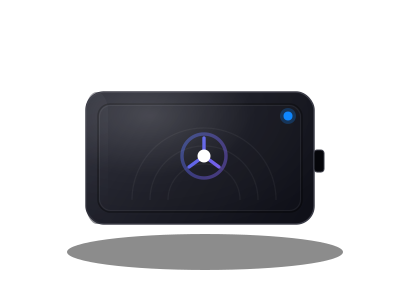
Rugged external SSD
Rugged SSDs
Field & travel drives
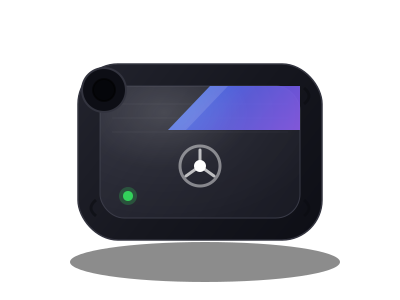
Sleek portable SSD
Portable SSDs
Everyday pocket drives
Portable hard drive
Portable HDDs
Big archival storage
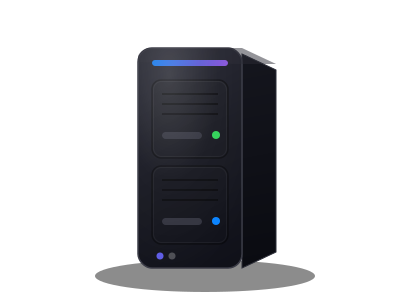
Two-bay NAS tower
NAS & network
Multi-bay volumes
Why Platter

Built for drives that pile up

One catalog for everything you own — searchable, visual, and smart enough to tidy itself.

Offline search

Search without plugging in

Scan a drive once. After that, Platter remembers its file index so you can search the whole library even when the drive is unplugged.
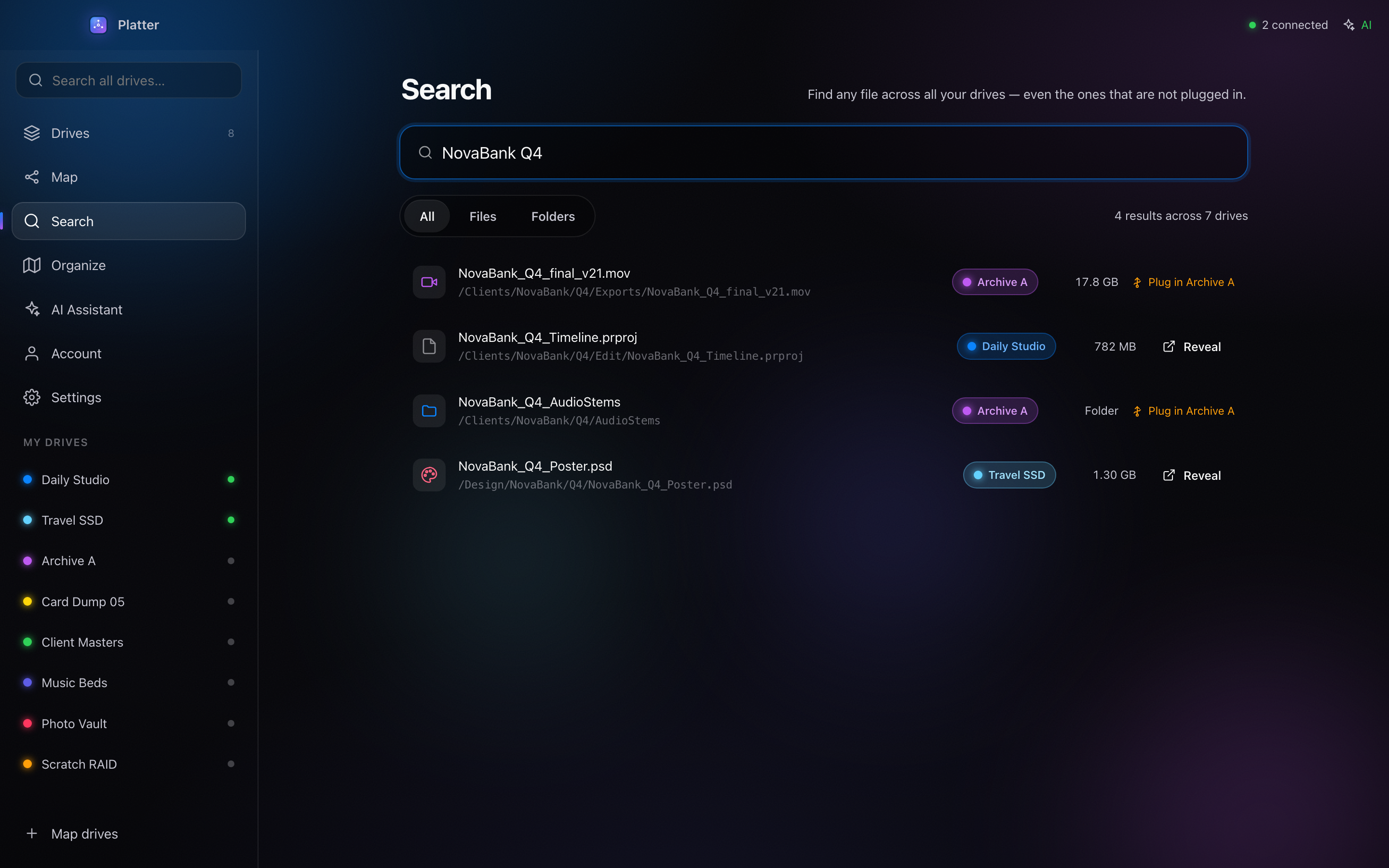
  • Scan a drive a single time
  • Search the whole library offline
  • Instant results, fully local
Platter searching the file index with every drive unplugged
Always oriented

Know which drive

Results show the drive name, status, path, and a clear Plug-in hint for offline disks.
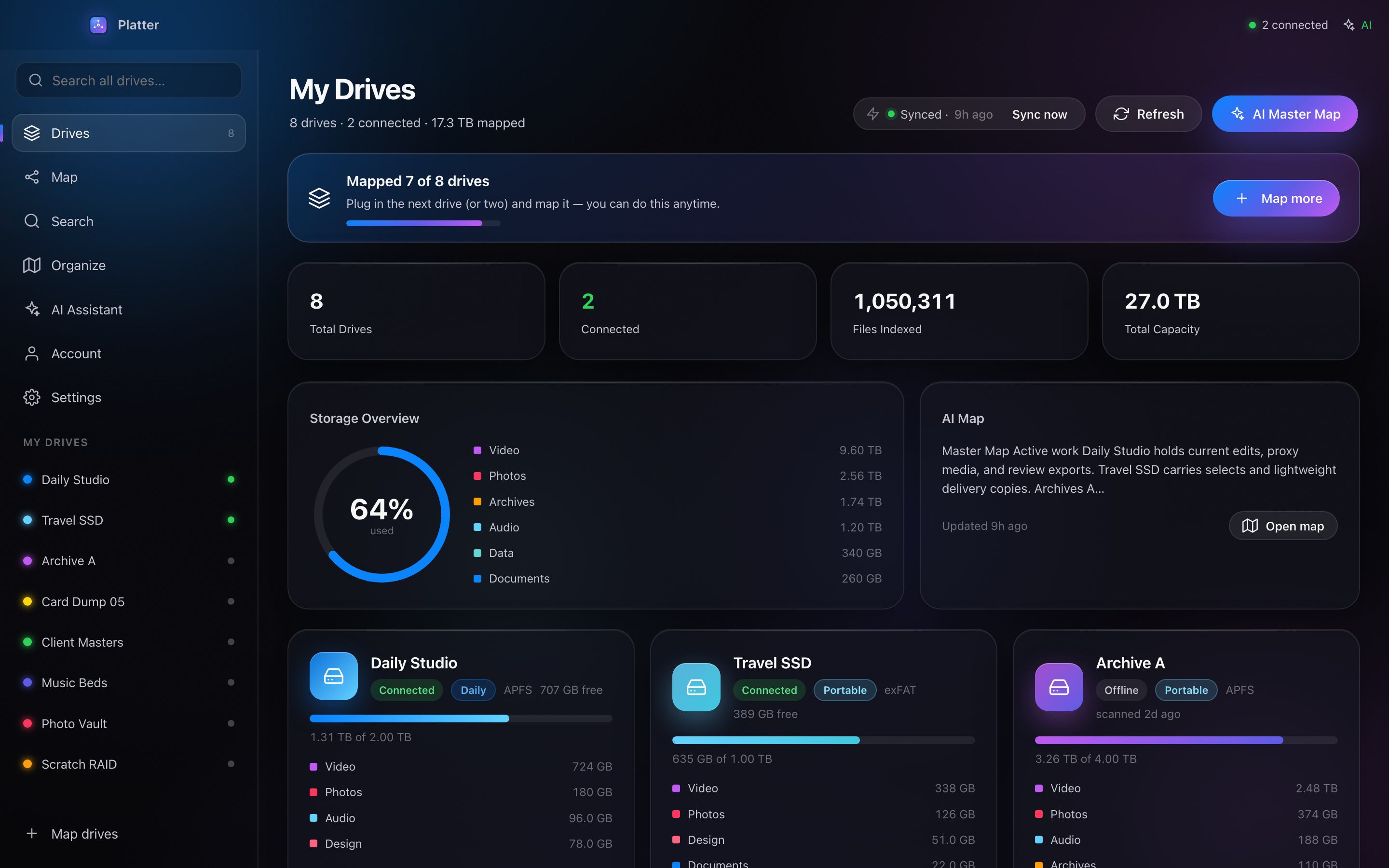
  • Drive name, status and full path
  • Clear Plug-in hint for offline disks
  • Never guess where a file lives
Platter dashboard showing drive name, status, path and a plug-in hint
Interactive map

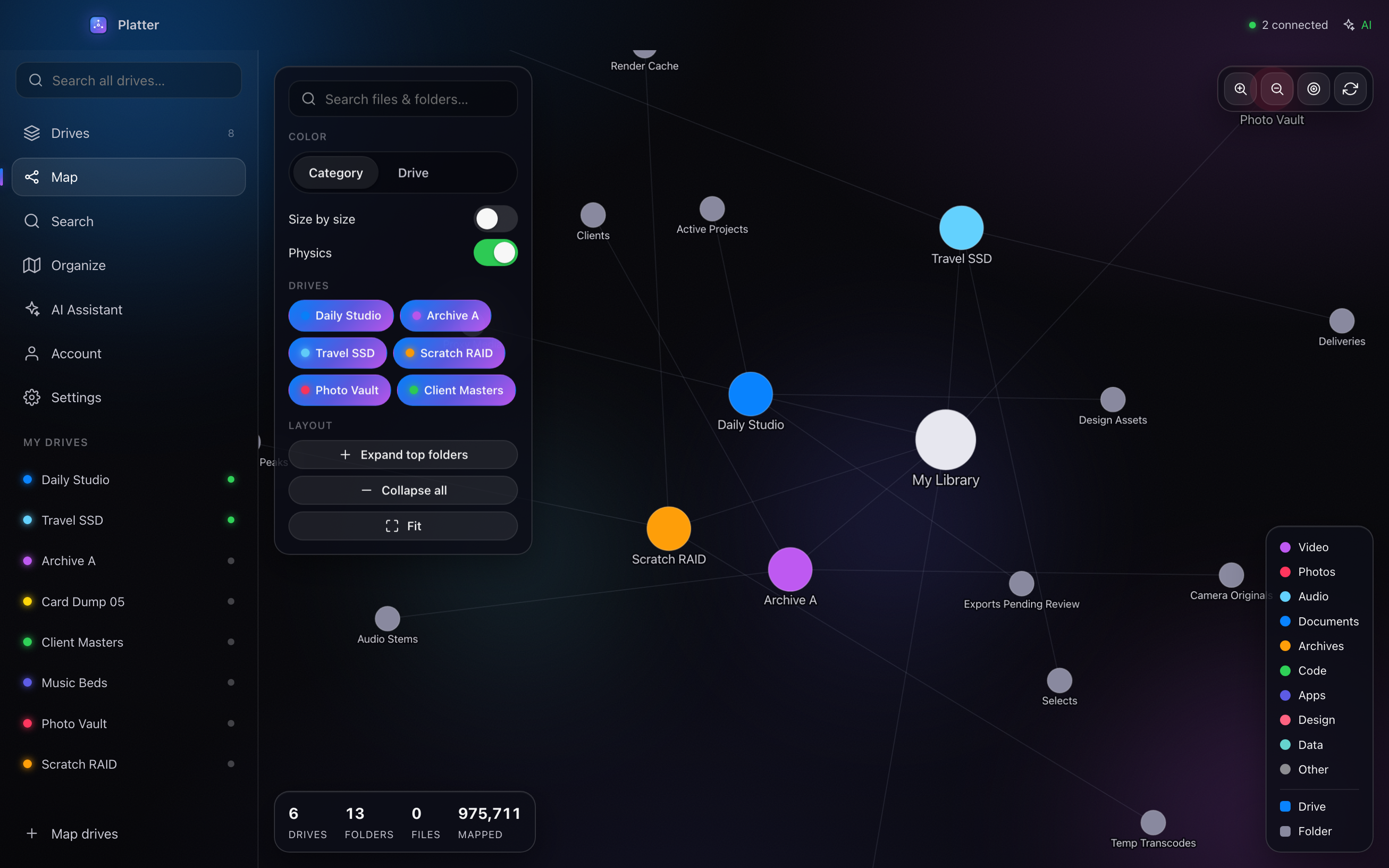
See the map

Explore a living graph of drives, folders, media, documents, archives, and project clusters.

  • Living, force-directed graph
  • Media, documents and archives
  • Drag through project clusters
Platter's living graph of drives, folders, media, documents, archives and project clusters
Migration plans

Organize without chaos

Build a practical migration plan that respects a two-port MacBook workflow.
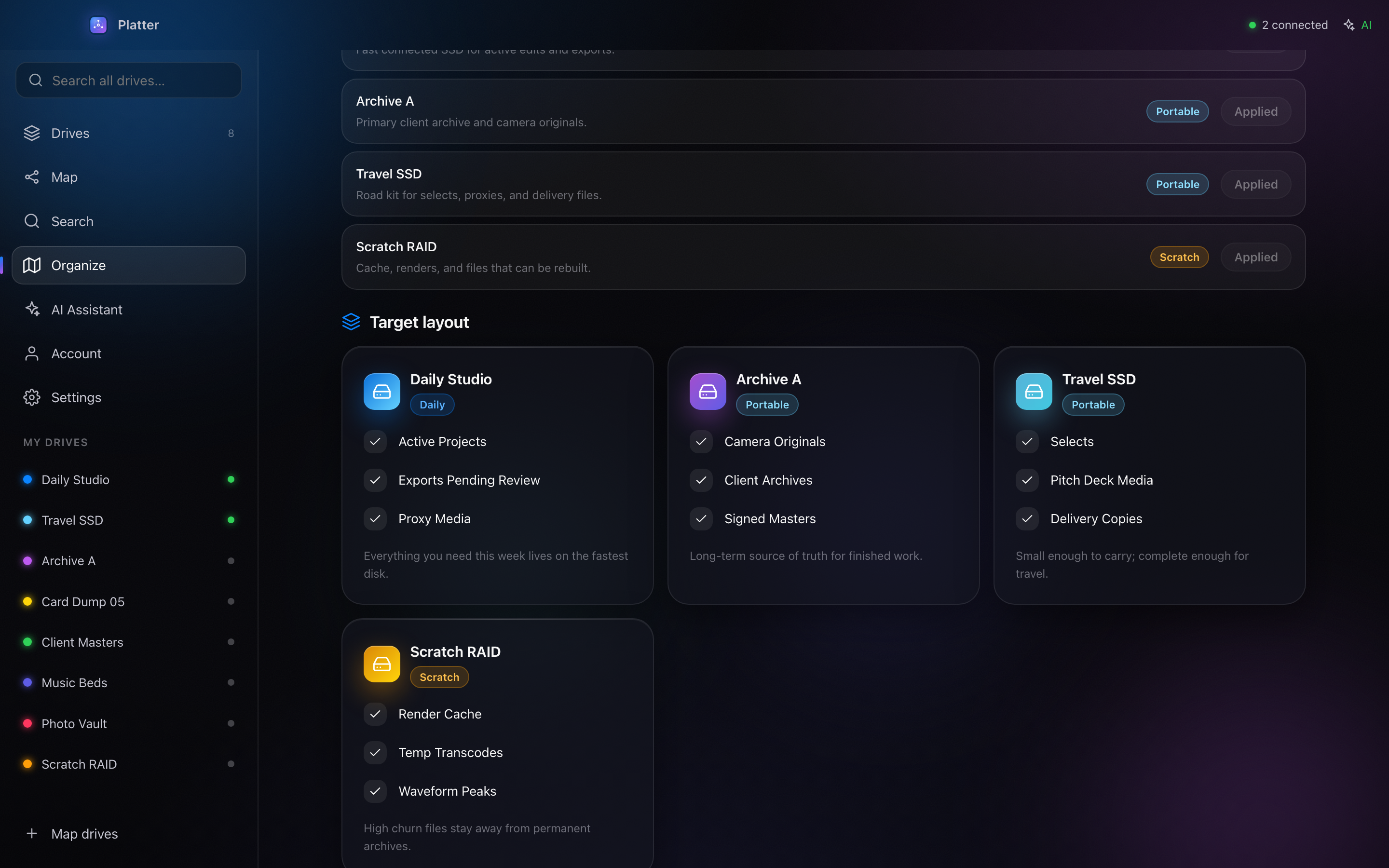
  • Practical, reviewable migration plan
  • Respects a two-port MacBook workflow
  • Move with confidence, not guesswork
Platter building a migration plan for a two-port MacBook workflow
AI assistant

Your AI assistant

Ask Platter about your storage and plan cleanup, non-destructively.
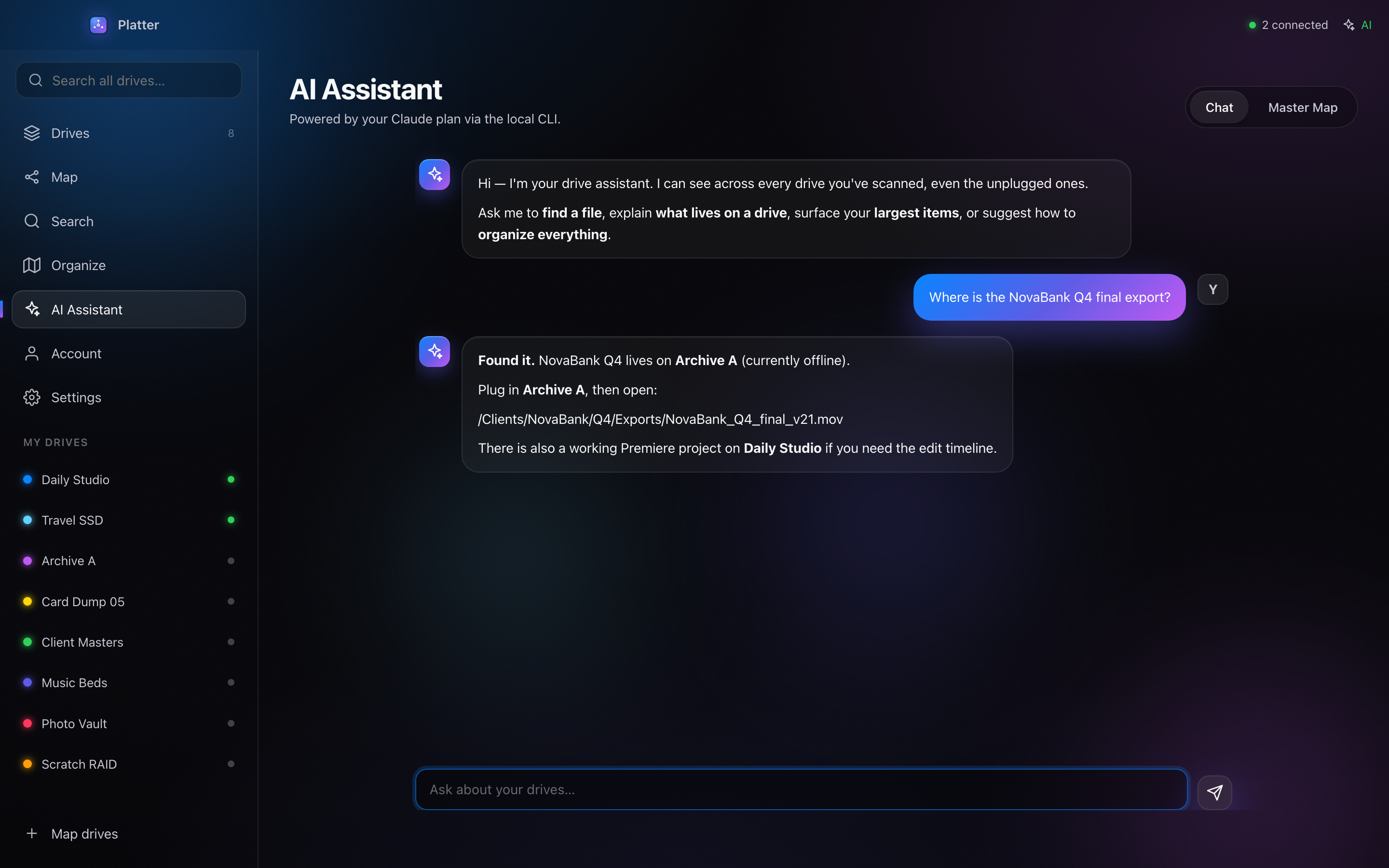
  • Ask anything about your storage
  • Plan cleanup in plain language
  • Always non-destructive
Platter's AI assistant answering questions about your storage and planning cleanup
See it move

Watch it in action

The whole flow, end to end — cataloging, offline search, the map and AI cleanup. Press play and take the tour.

Roadmap

Where Platter is headed

Everything that's shipped, and what's coming next — shaped by what you ask for.

  1. v1.0 Available now ● Shipped

    The core is here today — catalog every drive and find anything, even unplugged.

    • Catalog every external drive
    • Offline global search
    • Interactive storage map
    • AI organize & migration plans
    • Cloud catalog sync
    • Mobile web app
  2. v2.0 Coming next ◇ In progress

    A forward-looking list we're actively building. Help us prioritize — vote on what matters to you.

    • Automatic AI tagging of footage
    • Team & shared catalogs
    • Windows app
    • Spotlight / Finder integration
    • Duplicate finder
    • Smart backup suggestions
    Vote on features → Have an idea we missed? Tell us.
Pricing

Simple, honest pricing

Start free. Own the app forever with a one-time purchase. Add Pro when you need the cloud.

Base one-time
€9.99

2-day free trial · card required · then billed once, yours for life

  • The full desktop app, forever
  • Unlimited drives & files
  • Offline global search
  • Full interactive Map
  • AI organize & migration plans
  • Free updates
Join the free beta

Base: 2 days free (card required), then €9.99 once — yours for life. Pro is €4.99/month, cancel anytime.

Stop guessing which drive it's on.

Catalog everything once, then find any file in seconds — plugged in or not.